01What frequency do RF deactivators use?
RF deactivators for standard retail RF EAS systems are designed to work with compatible 8.2MHz RF soft labels.
02What does an RF deactivator do?
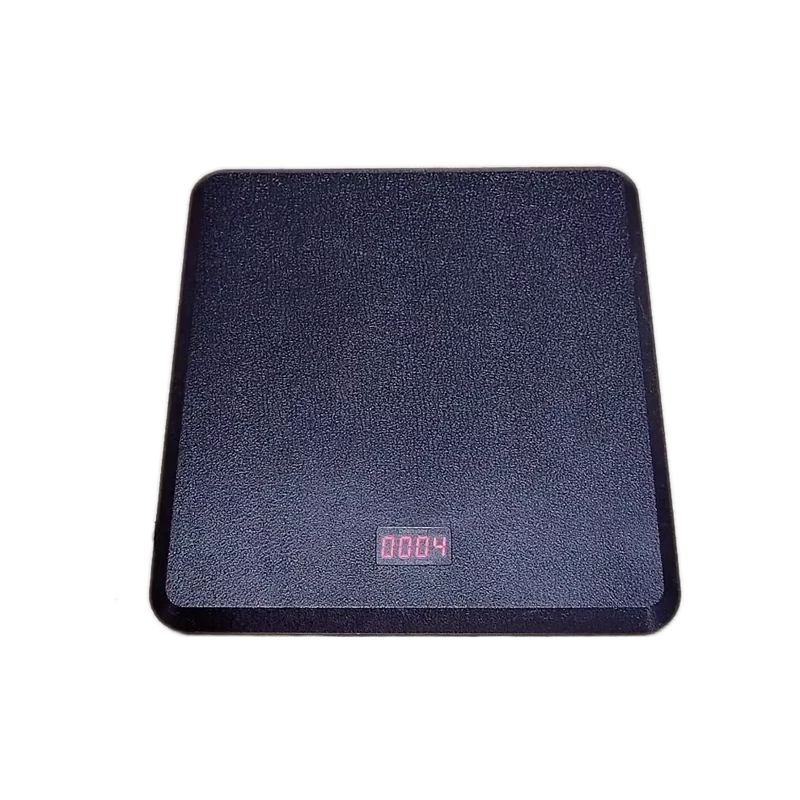
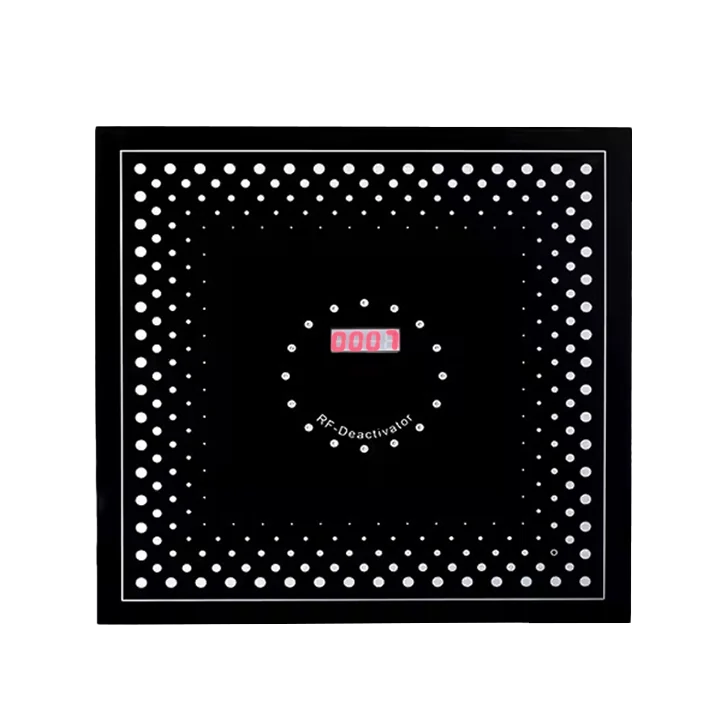
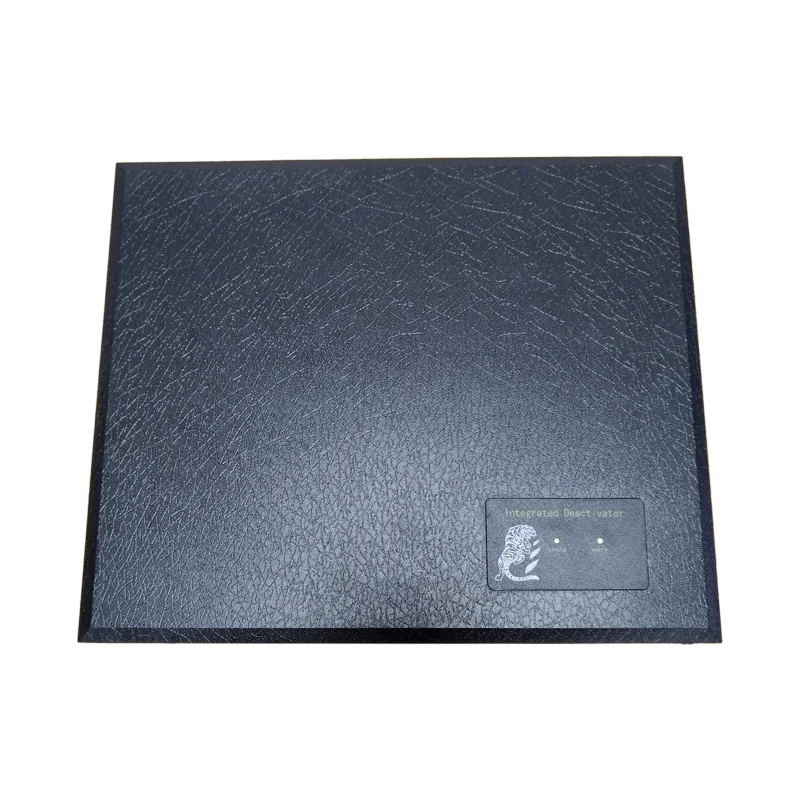
An RF deactivator disables a compatible active RF soft label after a customer completes a purchase, preventing the label from triggering the RF EAS alarm when the merchandise leaves the store.
03Where is an RF deactivator installed?
RF deactivators are typically installed at the checkout counter, allowing staff to deactivate protected merchandise as part of the payment process.
04Are RF deactivators compatible with all RF soft labels?
Not necessarily. The deactivator must match the frequency and technical specifications of the RF soft label. For an 8.2MHz RF EAS system, use compatible 8.2MHz RF labels and deactivators.
05Can an RF deactivator deactivate RF hard tags?
Generally, no. RF hard tags are reusable and are normally removed from merchandise using a compatible RF detacher. RF deactivators are primarily used to deactivate disposable RF soft labels.
06Can RF deactivators be used with RF security antennas?
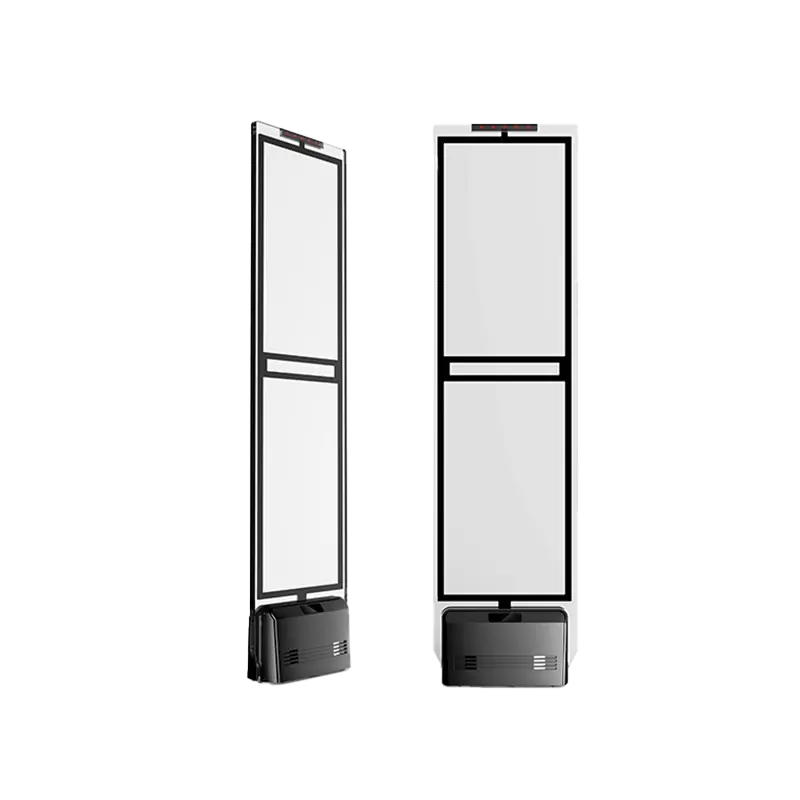
Yes. A complete RF EAS solution typically includes RF security antennas, RF soft labels, and RF deactivators. The antennas detect active labels at the exit, while the deactivator disables labels after purchase.
07How does an RF deactivator work?
The deactivator generates a specific RF signal that interacts with the security element inside a compatible RF soft label, changing its status so it no longer triggers the RF EAS system.
08Can one deactivator be used for different RF labels?
Compatibility depends on the deactivator and label specifications. Different RF labels may have different designs and performance characteristics, so compatibility should be confirmed before installation.
09Is an RF deactivator suitable for high-volume stores?
Yes. RF deactivators are particularly useful for supermarkets, pharmacies, stationery stores, cosmetics stores, and other retailers that process large quantities of packaged merchandise protected by RF soft labels.
10Does deactivation affect the product packaging?
The deactivation process is designed to disable the security label without damaging the protected merchandise or its packaging when used correctly.
11How should an RF deactivator be installed?
Installation requirements depend on the specific model. Proper positioning, power supply, and operating distance are important for reliable deactivation. JNEAS can provide installation guidance and technical support.